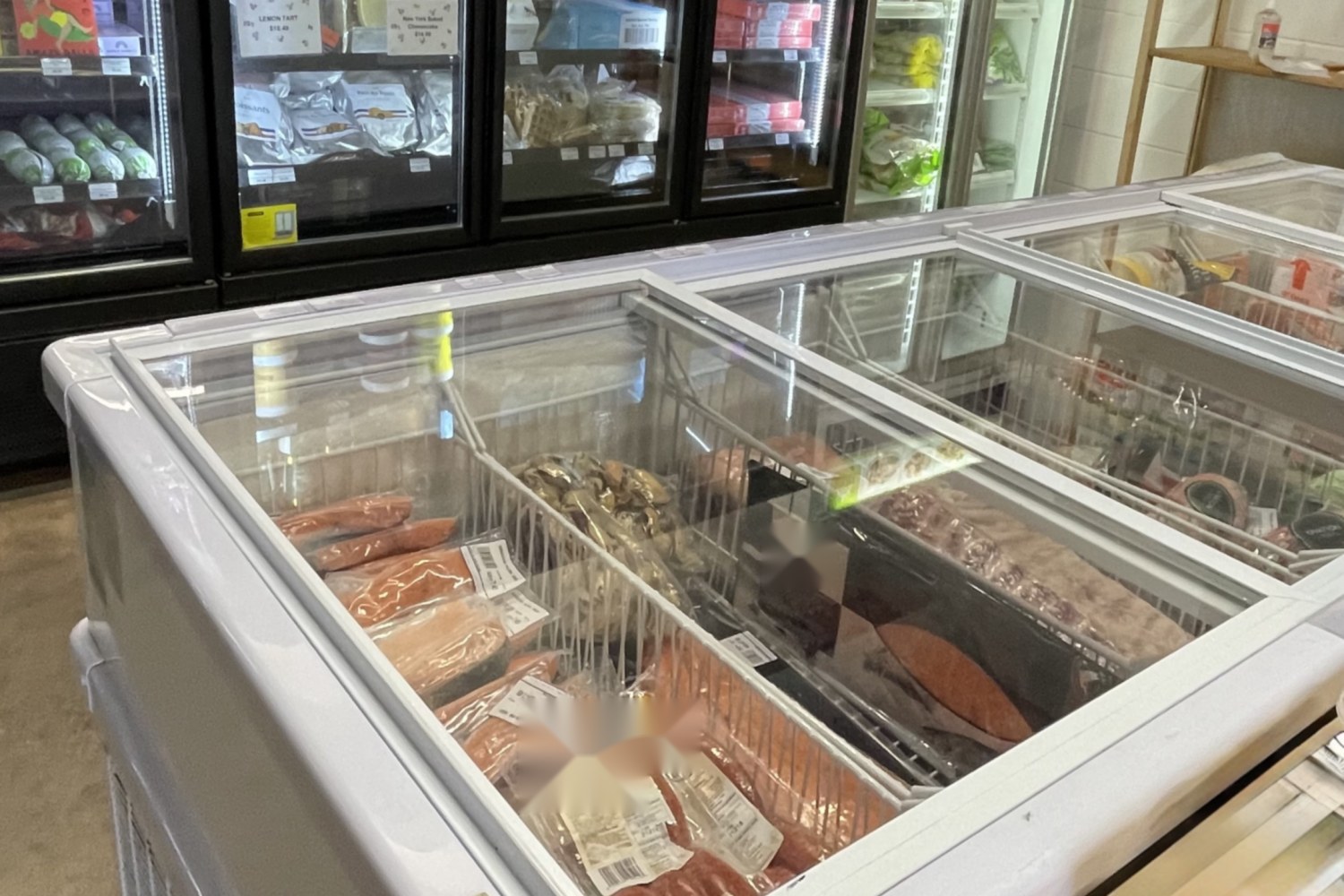
IceCube™ for supermarkets

Protect the fresh and frozen stock in every aisle.

IceCube™ automatically logs the temperature of your fridges and freezers, and alerts you when something goes wrong, so you can act in time.

Chilled display cabinets in a supermarket

In a supermarket

The problem, and what IceCube™ can do

The problem

Hackers can spoil stock at many stores at once

In October 2026, hackers changed the refrigeration controls at hundreds of French supermarkets. They stretched the defrost cycles, which delayed the stores’ own alarms. Stock was thrown out.Source: Malwarebytes, October 2026

What IceCube™ does

Its own network and battery. IceCube™ sends its readings over its own network, not yours. If the store’s controls are interfered with, it still shows the real temperature and alerts you.

The problem

A fridge fails and nobody knows until the stock is gone

In one Australian supermarket, a burnt-out cable shut down the refrigeration and its alarm together. The alarm’s backup battery ran flat before it triggered. All the stock was lost, about $96,000.Source: Vero loss bulletin (Australian insurer)

What IceCube™ does

Keeps watching when the power fails. IceCube™ has its own battery. When the temperature leaves your limits, you get an alert by email, app push or SMS, even if the store has lost power.

The problem

Fresh food is lost to slow temperature drift

A door left ajar, or a unit slowly losing its cooling, rarely sets off an alarm. The food just ages faster. Retailers wasted 131 million tonnes of food worldwide in 2022 (United Nations).Source: UN Environment Programme, Food Waste Index 2024

What IceCube™ does

Catches the slow drift. You see the trend, not just the alarm. You set what counts as a heads-up and what counts as a wake-up, so a small drift is caught early.

Temperatures are also logged automatically. Download the log when an auditor or insurer asks for proof.

Example scenario, not a real customer

A Sunday night: a freezer drifts out of range

A display freezer stops cooling at 11 pm. IceCube™ alerts the store manager as soon as the temperature leaves its limits. Someone moves the stock or calls the technician, and the log shows when it started and what was done. Without it, the problem is found on Monday morning.

What IceCube™ does not do. IceCube™ tells you early so you can act. It does not repair equipment or stop a fault. Your team acts on the alert.

How it works

Simple to set up. Easy to trust.

  1. Install

    Put the sensor in your fridge, freezer or holding cabinet. It sends the temperature to the cloud.

  2. Go live

    Once the sensor is on, it goes live. See the temperature of all your sensors in real time, from any device.

  3. Setting

    Set your temperature limits with a click, and choose how often you are notified. Download the logs when you need them for your records.

  4. Notifications

    You get an alert only when the temperature goes outside the limits you set, so you can save your stock when it matters.

Steps 1 to 3: your live view. Indicative screens, for illustration only.
DAIRY FRIDGELast hourLast 24 h5 °C1 °CAbove 5 °C limitTODAYDairy fridgeAbove 5 °C limit.Check the door.Just nowEARLIERWalk-in freezerBack within limits.9:40
Step 4: an alert on your phone. Indicative screens, for illustration only.

Alerts you control. Customise how often and for how long you are notified, and how serious each alert is, so you hear about it when it matters.

Q & A

Questions we are often asked

What happens if the store loses power?

IceCube™ runs on its own battery, so it keeps watching the temperature when the power fails. When the temperature leaves your limits, you get an alert by email, app push or SMS.

Does IceCube™ use my store network or IT systems?

No. IceCube™ sends its readings to the cloud over its own network, not yours.

How does IceCube™ alert me?

By email, app push or SMS when the temperature leaves the limits you set. You decide how serious each alert is, so a small drift is a heads-up and a serious one is a wake-up.

Can I show an auditor or insurer my temperature records?

Yes. IceCube™ records temperatures automatically. You can download the log when an auditor, inspector or insurer asks for proof.

How quickly can I start?

Put the sensor in your fridge and it goes live. You start seeing your temperatures, and getting alerts, without a long project.

Does IceCube™ repair equipment?

No. IceCube™ tells you early so you can act. It does not repair equipment or stop a fault. Your team acts on the alert.

Let’s talk

See how IceCube™ creates value for your business.

Tell us about your business and we will get back to you.

We use your details only to get back to you about IceCube™. Read our privacy policy.

Thank you.

We have your details and will get back to you.